
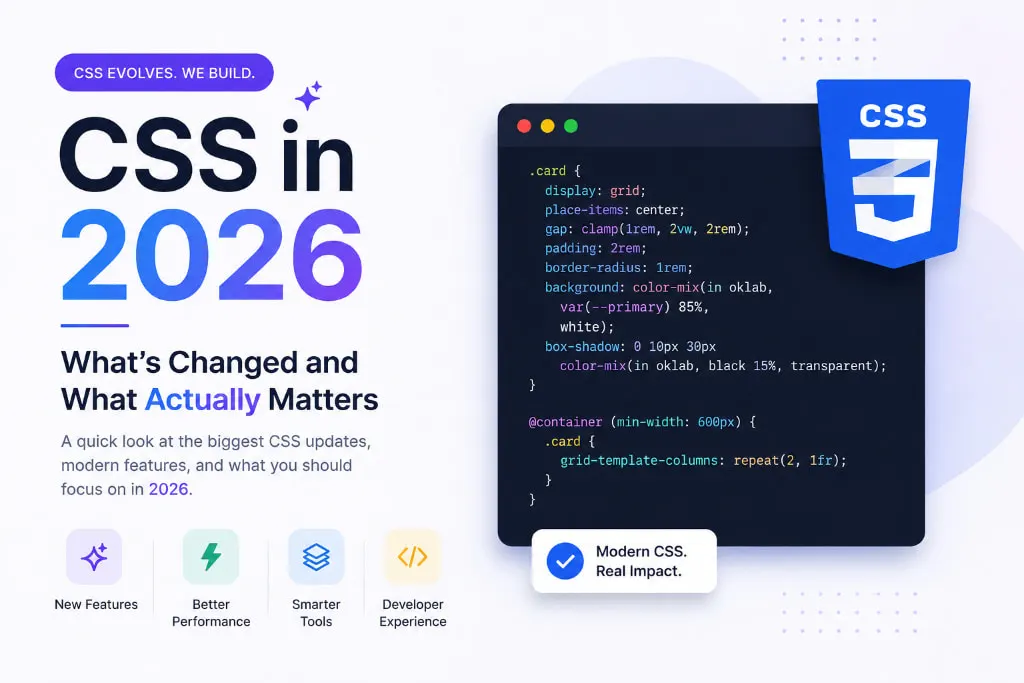
If you haven’t written CSS in a while — or even if you write it every day — the landscape looks quite different from just a few years ago. Features that once lived behind workarounds or required extra tools are now built right into the language. The result? Cleaner code, fewer dependencies, and websites that perform better without the extra effort.
Let’s cut through the noise and talk about what’s actually changed, what’s genuinely useful, and what you can start using today.
Why CSS Feels Different in 2026
For most of the 2010s, writing CSS meant working around the language just as much as working with it. You used extra tools like Sass or Less just to get basic features like variables and nesting. You relied on JavaScript to handle animations or layout logic. You installed entire libraries just to build a simple, responsive component.
That era is over.
Modern CSS has quietly closed the gap — not just in features, but in how logical and expressive the language feels. You can now do things natively that once required entire build pipelines. And that is a bigger deal than most developers realize.
1. CSS Nesting — No Extra Tools Needed Anymore
CSS nesting is now fully supported across all major browsers. In plain terms, this means you can group related styles together inside a parent element — something developers previously needed a separate tool to do.
This single feature has removed the main reason many teams used preprocessors in the first place. Your stylesheets become easier to read, easier to maintain, and faster to write — all without adding anything to your project setup.
Why it matters: Less tooling, faster build times, and stylesheets that actually make sense when you open them three months later.
2. Container Queries — Responsive Design, Reimagined
For years, responsive design was tied entirely to the browser window. You would change how something looked based on how wide the screen was. But that approach has a fundamental flaw — components don’t live in isolation. A card in a narrow sidebar needs to behave differently from the same card sitting in a wide content area.
Container queries solve this by letting elements respond to the size of their parent, not the screen. A component can now look at its own surroundings and adjust accordingly, no matter where it’s placed on the page.
Why it matters: Your components are finally truly reusable. Drop them anywhere on a page and they adapt intelligently — without extra code, without layout hacks, and without surprises.
3. The :has() Selector — Styling Based on What’s Inside
Known informally as the “parent selector,” this feature lets you style an element based on what it contains. For decades, CSS could only look downward — you could style a child based on its parent, but never the other way around. That limitation is now gone.
Want to highlight a form section when one of its inputs has an error? Want to change how a card looks when a button inside it is active? All of that is now possible with a single CSS selector — no JavaScript involved.
Why it matters: Dozens of use cases that previously required extra scripting now need zero lines of JavaScript. Your code gets simpler, and there’s less that can go wrong.
4. Scroll-Driven Animations — Smooth, Simple, and Script-Free
Scroll animations used to be painful. You needed event listeners, JavaScript logic, and careful performance tuning to make something scroll into view gracefully. Now, CSS handles all of that on its own.
You can tie animation directly to scroll position using nothing but CSS. As the user scrolls, elements fade in, slide up, or transform — all driven by the browser natively, which also means better performance since it runs separately from your main JavaScript.
Why it matters: Beautiful scroll experiences that are faster to build, easier to maintain, and smoother for your users — all without a single line of JavaScript.
5. CSS Custom Properties — More Powerful Than You Think
CSS variables have been around for a while, but most developers still use them only for storing colors or font sizes. In 2026, they’ve grown into a far more powerful tool — capable of driving animations, building flexible design systems, and creating dynamic layouts entirely within CSS.
With newer additions to the spec, you can now define what type of value a variable holds, give it a default fallback, and even animate it smoothly. This brings a level of structure and reliability to CSS variables that makes them genuinely production-ready for complex projects.web
Why it matters: Your design decisions live in CSS where they belong, your components become more flexible, and you rely less on JavaScript to manage visual state.
What You Can Skip For Now
Not everything new deserves your attention right away. Some advanced CSS features are either too niche for everyday work or still settling into stable territory. Focus on the five areas above first — they offer the highest impact for the least amount of learning effort.
The Bottom Line
CSS in 2026 is not the same language it was five years ago. It’s smarter, more capable, and — honestly — more enjoyable to write. The best part is you don’t need to learn everything at once. Pick one feature, try it in your next project, and build from there.
Each of these is a small investment with a big payoff — and none of them require installing a single package.
The future of CSS is already here. You just have to start using it.
Looking for Web Development experts? Atina Technology specializes in building modern, high-performance web solutions. Contact us today and let’s build something great together.